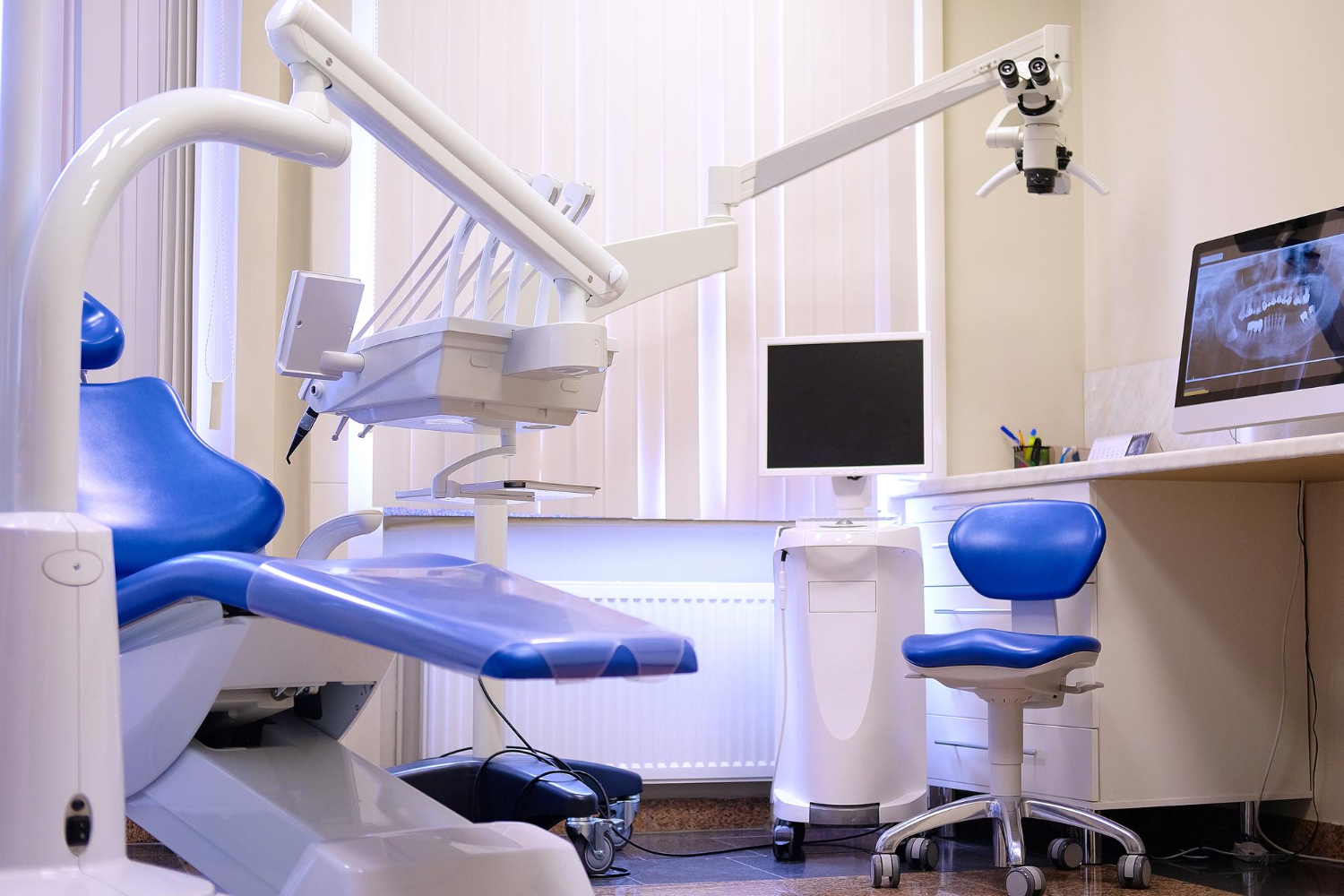
Dental imaging upgrades matter because they affect something simple and very real: how fast your team can see what is going on in a patient’s mouth and move forward with care. When imaging software is slow, disconnected, or hard to access, the whole day drags, claims stall, and case acceptance drops. When it works well, providers move with confidence, the front desk has what they need, and patients feel the difference.
This is where dental imaging software integration comes in. The goal is not just “new software.” The goal is a smooth link between imaging, your practice management system, and your revenue workflows, without blowing up the schedule. We will walk through what to look for, how to plan, and how groups can upgrade with less stress and more control.
Keep Imaging Upgrades From Disrupting the Schedule
Many dental groups put off imaging changes because they worry about chaos. They picture long downtime, providers who cannot find images, and patients waiting in the chair while someone calls IT. That fear is real, and it is often why older systems stay in place long past their prime.
Early summer is one of the best times to plan an imaging upgrade. Schedules can be a bit lighter, families are traveling, and there is still room before the fall rush and year-end benefits push. Planning now means your new workflows are stable before that demand spike hits.
The promise is simple: you can choose dental imaging software integration that improves diagnostics, speeds up claims, and supports growth without hurting today’s production or patient experience. It just takes a clear plan and the right criteria.
What Dental Teams Really Need From Imaging Integration
On a normal day, your team does not care what the brochure says. They care if the system lets them work.
Clinical teams need:
- Images that load quickly, without lag
- Correct links to the right patient and visit
- Access from any operatory, without juggling passwords
- Simple tools for comparing past and present scans
Front office teams need:
- Imaging that ties cleanly to CDT codes
- Easy access to images during verification and preauth
- Clear links between images, claims, and notes so rework is rare
Leadership for groups and DSOs looks at a different layer. They care less about one brand of sensor and more about:
- Standard workflows across locations
- Unified reporting on imaging use and outcomes
- Consistent KPIs that connect imaging to production, collections, and case acceptance
When dental imaging software integration is done well, it supports all three views at once. Your PMS, patient communication tools, and analytics should be aligned, not fighting each other.
Core Criteria for Choosing Dental Imaging Software Integration
To keep upgrades from becoming messy, it helps to break your decision into three buckets.
Technical fit:
- Support for common imaging standards like DICOM and PACS
- Compatibility with your sensors and CBCT units so you do not have to replace hardware just to modernize software
- Clear plans for how images are stored, backed up, and shared across locations
- A cloud or on-premise approach that matches your IT comfort level
Workflow alignment:
- Tight links to scheduling, charting, treatment planning, and claims inside your PMS
- No double entry of tooth numbers, surfaces, or procedure codes
- Image access in the same place providers already live, not a separate island
Vendor and support expectations:
- Clear service levels and response times
- A real implementation playbook, not “we will figure it out as we go”
- Role-based training so hygienists, assistants, doctors, and front office each see their exact workflows
If you rely on a platform like connected practice management software, the goal is one connected picture, not a stack of separate tools taped together.
Avoiding Downtime During Imaging System Transitions
You do not have to shut down the office to change imaging systems. You just have to treat the change like a phased project instead of a single flip of a switch.
Phased rollout planning usually means:
- Pick a pilot location first, not the whole group
- Time the cutover for lighter production days or half days
- Run old and new systems in parallel for a short period
Change management is where many upgrades stumble. To keep staff calm:
- Build simple, visual workflow guides for each role
- Assign “super users” in each location who get deeper training ahead of go-live
- Hold short, focused sessions instead of one long lecture
Risk controls are your safety net:
- Run data migration checks on a test set of images
- Confirm that image mapping and tooth numbering look correct
- Have a clear rollback plan in case you need to pause and adjust
When these basics are in place, imaging upgrades feel like a controlled change, not a shock to the system.
Aligning Imaging, PMS, and Revenue Cycle Data
The real power of good dental imaging software integration shows up in how you diagnose and how you get paid.
Connecting imaging to claims means:
- Images are tagged with the right tooth numbers and surfaces
- Procedure codes line up with the images and notes
- Documentation for medical necessity is easy to find
When payers can see clear images tied to clear notes, they tend to move faster and ask fewer questions. Practices that fully connect imaging data to billing can realistically see results like more collected revenue per month, faster claim turnaround, and more claims processed, all without adding more hours to the day. Many groups see outcomes on the order of 33 percent faster claims and 17 percent more claims processed once imaging is consistently linked to procedure codes and documentation.
Analytics should not stop at “how many scans did we take?” For growing groups, useful reporting shows:
- Which providers use imaging most effectively in diagnosis
- How imaging affects case acceptance by location
- How imaging links to production, collections, and adjustments
Platforms with integrated analytics, like the analytics tools connected to PMS and PRM, help leaders see these patterns in real time, not just at month-end.
How the Dental App Approaches Imaging Integration for Groups
The Dental App is dental practice management software that unifies clinical, operational, and financial data for growing dental groups and DSOs. We focus on a connected architecture that ties PMS, patient relationship tools, and analytics together in one closed loop.
Our approach to imaging is simple: protect your existing hardware investment while modernizing the data layer. That means:
- Stable integration with common sensors, imaging suites, and CBCT systems
- Imaging that lives inside the same workflow as scheduling, charting, and claims
- Storage and access patterns designed for multi-location use
The Dental App is practice management software that connects imaging, scheduling, and revenue data so dental leaders can see the full impact of clinical decisions on production. When imaging is tightly linked to treatment planning and billing, groups can realistically support outcomes like $40K per month in additional revenue, 33 percent faster claims, and 17 percent more claims processed, all by tightening how data flows rather than simply doing more work.
Because The Dental App also includes connected patient relationship tools through PRM features, those imaging insights can flow into recall, reactivation, and follow-up, not just same-day production.
The Dental App is dental practice management software that integrates with dental imaging software for multi-location practices that want one connected data layer without giving up flexibility in imaging hardware.
Comparing Your Options Without Getting Locked In
Most groups see two main paths when they think about imaging:
- Keep the legacy PMS and rely on a bridge to separate imaging software
- Switch to a different PMS that comes with its own imaging suite
Both can work, but both can also create tradeoffs for larger groups, especially around analytics, standardization, and future flexibility.
There is a third option worth considering. The Dental App acts as a connected platform that brings PMS, dental imaging software integration, and analytics together while still letting you keep flexibility in imaging hardware choices and vendor relationships. This helps groups avoid being locked into one vendor for everything while still gaining the benefits of one connected data layer.
When you compare options, look at:
- Total cost of ownership across software, hardware, support, and training time
- The impact on training and onboarding for new staff
- The depth of analytics you actually get, not just what is promised
- How well the system scales across more locations and more providers
The goal is a fair comparison, not a quick one.
Step-by-Step Plan for a Low-Disruption Imaging Upgrade
A clear plan turns a stressful upgrade into a manageable project.
Assessment and inventory:
- Map current imaging workflows by role and by location
- List all hardware, software, and integrations in use
- Review current claims patterns, including how often imaging is requested or questioned
- Define what “no disruption” looks like for your team, such as limits on downtime or reschedules
Pilot and refine:
- Choose one or two locations as pilots
- Gather detailed feedback from providers, hygienists, assistants, and front office teams
- Adjust templates, imaging layouts, and claim workflows based on real use
Scaling to the full group:
- Standardize templates and training materials across locations
- Use repeatable go-live checklists
- Track metrics such as image access time, claim turnaround, and case acceptance to confirm impact
This type of plan helps leadership keep control while giving on-the-ground teams a voice in how the upgrade actually works.
FAQs: Straight Answers on Imaging Integration for Dental Groups
How can my practice upgrade dental imaging software without closing the schedule for a day?
You can avoid a full closure by planning a phased rollout, starting with one operation or one location. Use lower-production blocks or half days for installation and short training sessions. Run the old and new systems in parallel for a brief period so staff can fall back if needed, and keep a clear checklist for what “ready to cut over” means.
What should a DSO look for in dental imaging software integration across multiple locations?
Look for standardization, strong interoperability, and centralized control. Imaging should connect to one PMS and one source of truth for patient and claim data. You also want unified analytics, clear access controls, and a support model that works for both local teams and central leadership.
Will dental imaging integration really help our claims go through faster, or is that mostly a sales promise?
When imaging is tightly linked to procedure codes, tooth numbers, and clear notes, payers have fewer reasons to delay or deny. That can support outcomes like $40K per month in additional revenue, 33 percent faster claims, and 17 percent more claims processed, because staff spend less time chasing missing pieces or resubmitting.
How does The Dental App connect imaging to our existing clinical and financial workflows?
The Dental App ties imaging into scheduling, charting, treatment planning, and billing inside one connected platform. Teams do not have to re-enter tooth data into separate systems, and images are available for both clinical review and claim documentation from the same record. This reduces clicks, errors, and back-and-forth.
Is it risky to move imaging data into a unified PMS platform if we might change vendors later?
Any system change has some risk, but you can reduce it by focusing on standards and data portability. Ask how images are stored, whether DICOM is supported, and what export options exist if you move in the future. Make sure you understand, in writing, how you would retrieve both images and related metadata if you change platforms.
Move Toward Better Imaging Without Sacrificing Today’s Care
Dental imaging software integration does not have to be a high-risk, all-or-nothing event. When you treat it as a controlled project, with clear phases, success metrics, and a strong focus on daily workflows, you protect both patient care and production.
A practical way to start is to audit your current imaging workflows, pick one or two friction points to fix first, and set a handful of measurable goals for access time, claim speed, and case acceptance. The Dental App is dental practice management software that reduces friction between imaging, clinical workflows, and revenue operations for multi-location practices that want to grow without burning out their teams. By comparing your current setup, traditional alternatives, and a connected platform approach, you can choose the imaging path that fits your clinical standards and long-term growth plans.
Streamline Your Practice With Seamless Imaging Integration
If you are ready to connect your clinical workflows and imaging tools in one place, we can help you implement reliable dental imaging software integration tailored to your practice. At The Dental App, we work with your existing systems so your team spends less time on manual steps and more time on patient care. Tell us what you are using today and we will walk you through the best integration path for your office. Have questions or need a walkthrough of your options, just contact us.