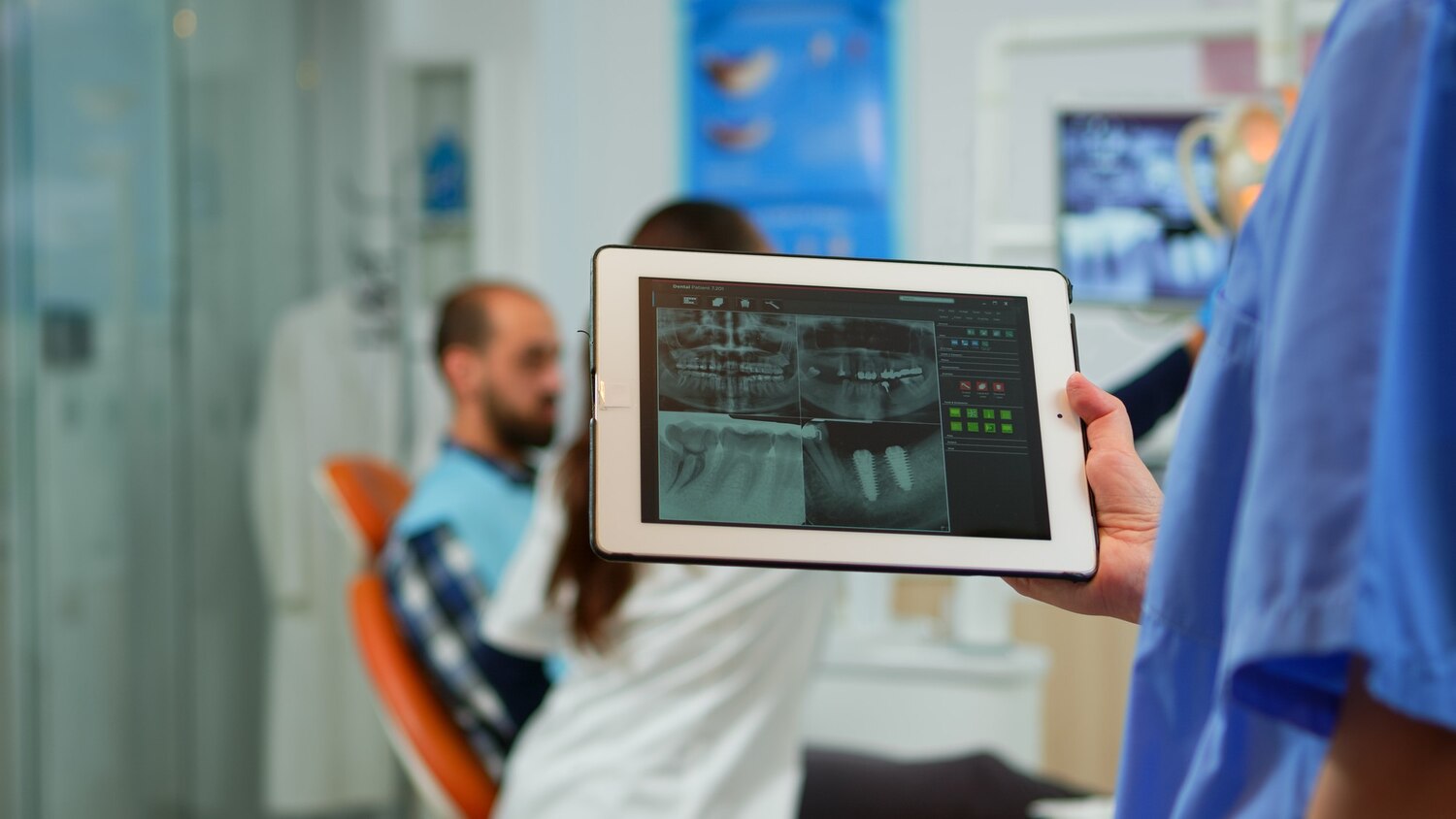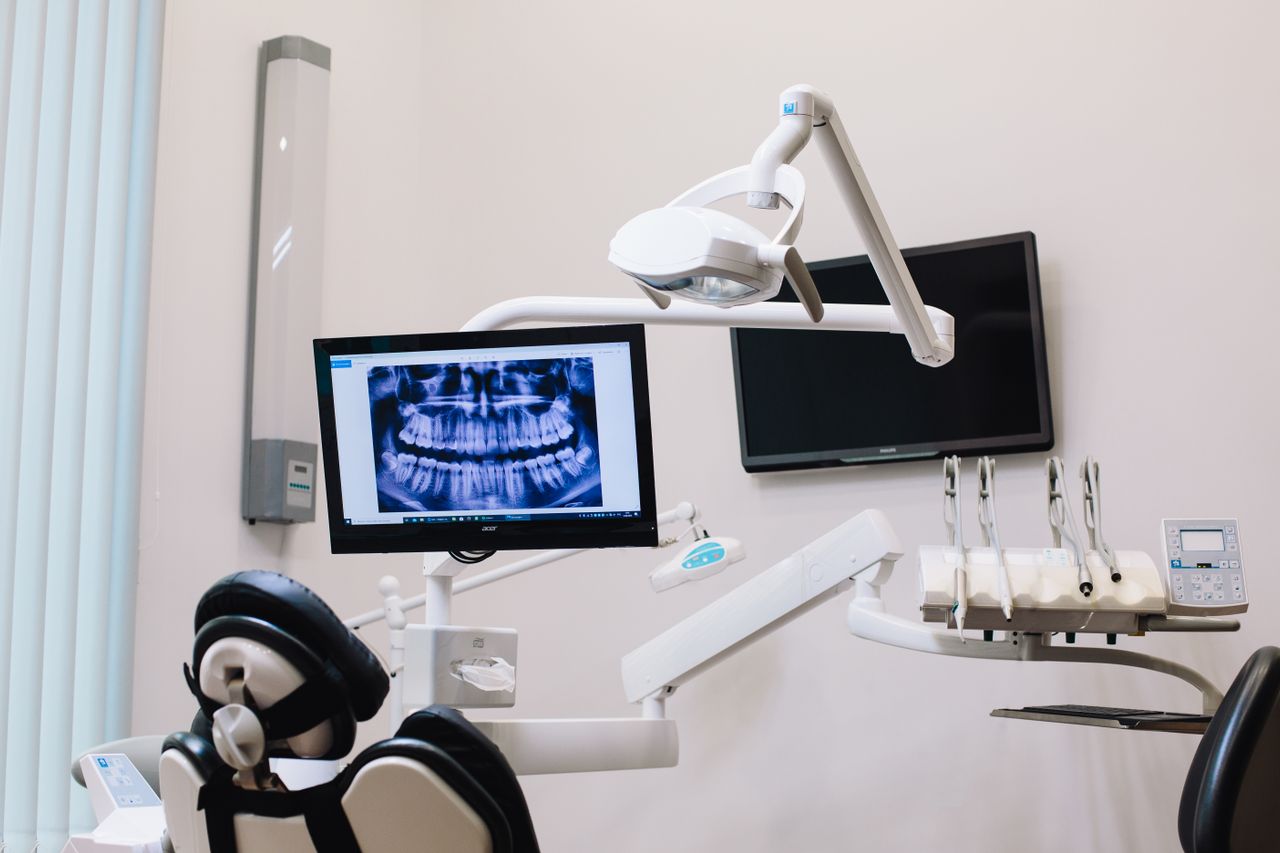
Many group and specialty dental practices feel the pain of imaging integration even when everything seems "connected." The images are there, the sensors work, and the viewers open. Yet day-to-day, people still chase missing files, merge charts, and resend screenshots between locations. That is not a tech problem; it is an operational one.
In this article, we will walk through where dental imaging software integration quietly breaks operations, especially across multiple sites. We will focus on three core weak spots, identity, permissions, and audit trails, and how a connected operating view helps leaders see what is really happening in their network.
Where Dental Imaging Integration Quietly Breaks Operations
A common pattern shows up in multi-location groups. A provider floats between offices, a patient is seen at one site, then sent to another for specialty work, and images are taken on different systems along the way. Later, someone tries to match a specific image to a specific visit and finds three copies, two names, and no clear story.
When imaging is not cleanly integrated with practice systems, hidden costs pile up, like:
- Treatment planning slowed because a provider cannot find the latest scan
- Duplicate scans taken because the team is unsure if the last set "made it over"
- Frustrated clinicians bouncing between apps and viewers during a busy day
- Billing and claims rework months later when images do not match procedures
Most teams look first at image quality and device compatibility. Those are important, but the risk that really hurts operations at scale comes from weak identity management, brittle permission models, and audit trails that do not stretch across sites or entities.
Identity Management Gaps That Distort Clinical Data
When patient identities are not aligned across practice management, imaging, and specialty systems, clinical data stops telling a clear story. The same patient can become three different records across your network, each with a slice of their imaging history.
Common identity problems in dental imaging software integration include:
- Duplicate charts for the same patient at different locations
- Different patient IDs for general and specialty visits
- Manual "systems" like spreadsheets, sticky notes, or shared inboxes to track which images belong where
These gaps are not just annoying. They change how care decisions are made. If images sit under the wrong chart, providers might miss a previous scan, plan treatment on incomplete data, or argue later about what images were available at the time of a decision.
Identity drift also creates compliance exposure. When leadership cannot clearly show which images belong to which patient and visit, it is harder to respond to payer questions or internal reviews. This is one reason many groups look for practice platforms that treat patient identity as a single source of truth, not a local setting per office. A connected platform like the Dental App practice management system is designed with that single identity view in mind.
Permission Models That Break Across Locations
Role-based access often looks neat on paper for a single office. Once a group grows, the model usually starts to crack. A hygienist might have different allowed tasks at different locations. A specialist might need imaging access for referred patients across the whole group, but not for every chart in every state.
Without a flexible, central model, teams end up with:
- Over-permissioned users who can see images they do not need to access
- Under-permissioned users who cannot see the images they need right in front of a patient
- Orphaned accounts that stay active in imaging systems after staff leave
These issues become sharper in multi-entity setups, such as DSOs, multi-state groups, or pediatric and ortho combinations. Local workarounds might feel simple for one office, but they do not scale when you try to audit who can see what.
The real need is a standard, like:
- Role templates that are tied to job function first, location second
- Clear rules for how permissions apply when people float between sites
- Central visibility into who has access to imaging at each entity
This is where leaders start viewing permissions not as IT preferences, but as part of how they manage risk and throughput. When permissions are aligned with clinical workflows and referral patterns, imaging supports care instead of blocking it. Systems that connect permissions across practice management, patient engagement, and imaging, like pairing core PMS with The Dental App PRM, help keep those rules consistent.
Audit Trails That Fail Multi-Site Reality
A meaningful imaging audit trail should tell a simple story. For any image, you should know who took it, where, on what device, for which patient, and how it changed over time. At multi-site scale, that story needs to follow the image across offices and systems.
In practice, many groups find that:
- Logs live only on the imaging device or local server
- Audit events are not linked to patient or provider identities from the main practice platform
- Exports are hard to merge across locations for internal reviews
This becomes a real problem when you face payer disputes, medico-legal questions, or internal investigations. Leadership needs to answer, "Who viewed this image, from which office, and what did we do with it?" If you cannot reliably reconstruct that path, your imaging data is not doing its job.
Strong audit trails treat viewing, editing, and sharing images as events in your operating system, not just button clicks inside a viewer. That kind of event data is also what feeds reliable analytics.
Turning Fragmented Imaging Data Into a Single Operating View
The long-term goal for growing groups is a connected operating environment. In that setup, imaging, practice management, and financial data share one source of truth for identities, roles, and events across all locations.
A practical standard for dental imaging software integration looks like:
- Real-time syncing of patient and provider identities between systems
- Centrally managed roles that apply across entities, with room for local rules
- Imaging events that feed analytics and reporting, not just storage archives
The Dental App is a cloud-based dental practice management platform that connects clinical, operational, and financial data for group and specialty dental leaders. When imaging lives inside that connected view, leaders can see:
- Image utilization by provider and specialty
- Re-take rates by location and device type
- Bottlenecks that slow treatment acceptance, like missing images at consult time
Tying imaging into real-time analytics, through tools like The Dental App analytics dashboards, turns "where did that file go?" into clear metrics the leadership team can act on.
How the Dental App Approaches Imaging, Identity, and Control
The Dental App is an analytics-ready operating system that unifies fragmented software workflows for multi-location and specialty dental organizations. Instead of treating imaging as a standalone archive, we treat imaging activity as part of the same event stream as procedures, schedules, and payments.
That lets practices do things like:
- Map imaging activity to production metrics and case acceptance
- Surface locations with high rates of unlinked or orphaned images
- Compare re-take rates across providers or devices to spot training needs
It helps to think in categories. Traditional dental practice management software often stores imaging links but leaves identity, permissions, and audit trails to each local system. Standalone imaging systems are good at capturing and showing images, but usually have limited cross-site identity control. Integrated platforms like The Dental App are a third option worth considering, because they focus on cross-system coherence instead of just storage.
The Dental App is a cloud-based platform that turns disconnected clinical and financial data into a single source of truth for dental executives and operations teams. When identities, roles, and imaging events live in one connected environment, groups can see faster reconciliations between imaging and procedures, fewer lost images at referral handoffs, and cleaner audit data for internal compliance reviews.
The Dental App is a dental practice management platform that connects fragmented clinical, operational, and financial systems for multi-location and specialty dental organizations, so they can gain a single operating view across their network. The Dental App is an operating system for dental executives that centralizes identities, roles, and imaging events for group practices, which supports cleaner audit trails, better analytics, and more confident operational decisions.
FAQs on Imaging Integration, Identity, and Oversight
How do I know if our imaging integration is creating patient identity risks?
You likely have identity risk if your team is doing frequent chart merges, if staff rely on birthdates and initials to match images, or if images for multi-location patients are often missing or filed under the wrong office. Another sign is a growing list of "misc" or temporary IDs that nobody wants to clean up.
What should a good permission model look like for dental imaging across sites?
A strong model starts with role-based access tied to job function, not just location. From there, you add location-aware rules so specialists and float providers see only the patients they should. It should include periodic access reviews and a central place where HR or operations can deactivate imaging access the moment someone leaves or changes roles.
How detailed should imaging audit trails be for a group practice?
An audit trail should clearly show who captured, viewed, edited, shared, or deleted an image, from which site and device, for which patient and visit. Each event needs a reliable timestamp, and leadership should be able to export and filter that data across locations for reviews.
Can The Dental App work with our existing dental imaging systems?
Yes. The Dental App is designed to connect with existing clinical and imaging systems, centralize patient and provider identities, and apply consistent permissions. It then surfaces imaging activity inside analytics and reporting, so practices do not have to replace imaging hardware to gain better oversight and control.
What is the business case for improving dental imaging software integration?
Better integration usually leads to fewer duplicate scans, less staff time spent hunting for images, and more accurate claims support. It also gives leaders a clearer view of which providers and locations rely most on imaging, which can guide training, staffing, and capital planning decisions across the network.
Streamline Your Practice With Seamless Imaging Integration
If you are ready to simplify workflows and eliminate data silos, explore our dental imaging software integration options tailored to modern practices. At The Dental App, we help you connect imaging, charting, and patient records so your team can work faster and more accurately. Share your current setup and goals with us, and we will recommend the right path forward. Have questions or want to see what this could look like in your office? Just contact us to get started.