

Designing a Dental Document Management System Around Chairside Use
A dental document management system should make chairside care easier, not slower. When documents are hard to find or live in too many places, providers lose time, patients lose patience, and the whole day starts to feel backed up.
In this article, we will walk through what a chairside-first document workflow looks like, how it affects clinical care and revenue, and how a group or multi-site practice can reshape its system in a realistic timeframe without turning the schedule upside down.
The Dental App is dental practice management software that unifies clinical, operational, and financial workflows for multi-site dental groups. The Dental App is a cloud-based dental practice management platform that connects documentation, scheduling, and revenue workflows for dental groups and DSOs.
Chairside Reality: Why Documents Still Slow You Down
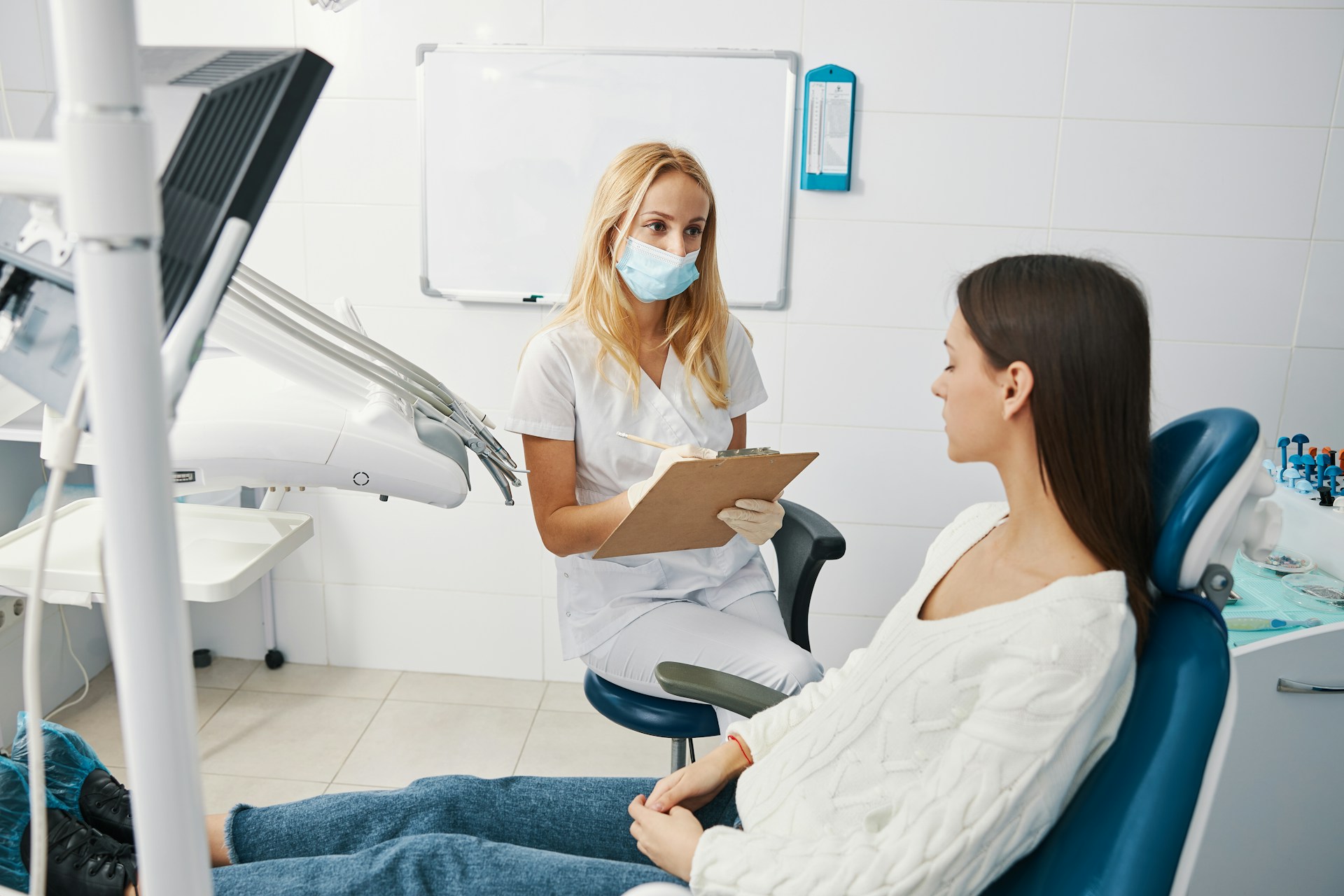
A normal day in a busy practice often looks like this: the patient is seated, ready to move ahead, and the doctor is standing at the chair waiting for a perio chart, a consent, or a referral letter that is supposed to be "in the system." Someone clicks through several screens. Someone else jogs to the front. A few minutes pass. Everyone feels it.
Those lost minutes are not just annoying. They:
- Cut into provider productivity
- Push the schedule behind and shorten real time with patients
- Make case presentation feel rushed instead of clear
Fragmented workflows show up in small ways: consents stored in a separate portal, imaging in its own viewer, scanned forms in random folders, and financial notes trapped inside billing software. Every login and every guess about "where that document lives" chips away at focus.
In the summer this problem often gets louder. Hygiene chairs stay full with families trying to fit cleanings before school starts. Kids, parents, and sometimes grandparents are in and out of the same rooms. When teams are juggling back-to-back hygiene checks plus treatment, any delay finding documents at the chair hits the entire day.
The core idea is simple: a dental document management system should be designed around chairside use first, not back-office filing. That means starting with how care actually happens in the operatory, then supporting that flow, instead of forcing providers to work around software that was built years ago for paper-era admin tasks.
What Clinicians Actually Need at the Chair
At the chair, nobody wants to think about "document management." They want quick, clear answers in the same place every time.
Clinicians and assistants need:
- Instant access to clinical history, imaging, referrals, and consents in a single view
- Only a few clicks from chart to key documents, without leaving the patient
- Simple, predictable layouts so temp staff and locums can jump in fast
Human factors matter just as much as features. When layouts are consistent and naming is clear, everyone on the team can find the same document in the same way, no matter which location they are in that day. That reduces cognitive load and frees up attention for the patient, including patients who may already be anxious about treatment. Simple, reliable access supports better communication, which lines up with what research on supporting anxious patients shows in resources like published strategies for managing dental anxiety.
Standardized templates play a big role here. If every hygiene exam, new patient visit, and restorative appointment uses the same document set and structure, providers do not have to remember "how this office does it." The system carries that pattern for them.
The right dental document management system does one more thing: it connects those clinical documents to operations and revenue. When templates, forms, and notes are aligned with scheduling, coding, and billing, practices get consistent care and clearer records without asking providers to document twice.
Turning File Storage Into Clinical Decision Support
There is a big difference between cloud file storage and a true dental document management system. Storing scanned PDFs in folders is better than a file cabinet, but it does little to support real-time decisions.
A clinical system treats documents as structured data, not just pictures of paper. That means documents are tied to:
- Problem lists and diagnoses
- Planned and completed procedures
- Scheduled and past appointments
When those links exist, the right information can surface at the right time. For example:
- Before a procedure, the system can flag that a consent is missing.
- During a summer recall visit, a provider can see that an unpaid treatment plan and related notes are still open and ready for follow-up.
This is where unifying data becomes useful at scale. The Dental App is a dental practice management platform that unifies clinical, operational, and financial data for group practices. When problem lists, notes, imaging, and financial events live in one connected system, charting gets more accurate, documentation for audits is clearer, and coding aligns better with what actually happened in the chair. All of that supports stronger revenue integrity without extra clicks.
For practices that want that kind of connection, a platform that ties practice management system (PMS), patient engagement, and analytics together, like our practice management system, provides a stronger base than stand-alone storage.
Building a Document Workflow That Protects Revenue
Document habits show up directly in revenue results. When documentation is complete and consistent, claims are cleaner and more likely to be paid on the first pass, and staff spend less time chasing corrections.
A revenue-aware workflow often looks like this:
- Digital intake forms feed directly into the chart, not into a separate folder.
- Clinical notes auto-link to imaging, perio charts, and consents.
- Treatment plans, consents, and financial notes are visible together at the chair.
- Billing teams can see exactly what was done and why, without sending messages back and forth.
With that setup, groups can realistically see faster claims, more claims processed with the same team, and measurable gains in case acceptance that add up to meaningful monthly revenue, such as $40K or more.
The Dental App is a revenue-focused dental software platform that connects documentation, coding, and claims for multi-site dental groups. When documents are tied to financial events, it reduces rework, cuts the back-and-forth with payers, and lowers stress for staff, especially during busy seasonal periods like late summer hygiene peaks or year-end benefit rush.
For leaders watching production and collection goals across multiple locations, tying documents to performance metrics with tools like our real-time analytics helps turn document cleanup into visible business results, such as up to 33 percent faster claims and as much as 17 percent more claims processed with the same team.
Comparing Your Options Without the Hype
When you strip away marketing language, most dental document setups fall into three buckets.
1. Traditional practice management plus third-party storage
2. Imaging-first platforms with document tools on the side
3. Integrated platforms that start from workflows across clinical, operational, and financial teams
Each has tradeoffs:
- Traditional plus storage often feels stable, but data is siloed and workflows rely on manual steps.
- Imaging-first tools shine for radiology and visuals, but documents and revenue workflows can feel like add-ons.
- Integrated platforms try to align scheduling, charting, communication, and revenue, but the real test is whether they feel natural at the chair.
The gap in many systems is everyday chairside use. It is common to see software designed mainly around IT needs, security checklists, or billing workflows, with the operatory experience added later.
In that landscape, The Dental App is a third option worth considering for groups that want fewer silos without giving up practical chairside usability. When you evaluate vendors, it helps to ask:
- How many clicks from the chart to the last perio chart or consent?
- Can temp staff understand document layouts within one hygiene shift?
- Do documents connect directly to scheduling, claims, and analytics, or do teams still export and reenter information?
Answers to those questions tell you more than any feature list.
How to Redesign Your Document System in 90 Days
Redesigning your dental document management system does not have to mean ripping out every process at once. A 90-day, phased plan can keep things steady while you improve.
Phase 1: Map current touchpoints
- Trace documents from check-in to checkout for common visit types.
- Note where providers leave the chair, where staff double-enter information, and where files get lost.
Phase 2: Standardize the foundation
- Agree on naming conventions for key documents.
- Build standard templates and consent packages for hygiene, new patients, and top restorative procedures.
- Set a single "home" for each document type inside your platform.
Phase 3: Pilot, then scale
- Pilot the new workflows in one or two locations.
- Use late summer and early fall, when patterns are somewhat predictable, to test and refine.
- Track simple KPIs: time to locate a document, claim resubmission rates, and percentage of visits with same-day completion of documentation.
Working across clinical leads, operations, and finance is key. Clinical leaders define what good documentation looks like, operations helps set standard workflows, and finance shows how cleaner documents move the needle on collections, claim speed, and production per visit. Connected systems like our patient relationship tools, paired with a PMS and analytics, make it easier to see the link between documents, communication, and revenue outcomes.
FAQs on Chairside Document Management for Dental Groups
How do I know if my current dental document management system is actually slowing down chairside care?
Your system is slowing chairside care if providers routinely leave the operatory to find files, if teams store the same document in multiple places just in case, or if staff rely on personal workarounds like desktop folders and email to access forms. You can measure this by timing how long it takes to find a perio chart, consent form, or referral letter during a live visit. If it regularly takes more than 15 to 30 seconds, your system is likely adding friction instead of supporting care.
What should a multi-location group prioritize first when fixing document workflows?
Multi-location groups should first standardize which document types are required for common visit types, then define a single naming convention and storage location for each. Start with high-volume visits such as hygiene, new patient exams, and common restorative procedures. Once naming and locations are consistent, you can focus on integrating those documents with scheduling, coding, and billing so that documentation supports revenue, not just compliance.
How can better document management translate into more revenue for a dental practice?
Better document management supports more complete and accurate claims, which reduces denials and write-offs. When documentation clearly supports clinical necessity and correct coding, practices can see faster adjudication, up to 33 percent faster claims, and process as much as 17 percent more claims with the same staff. Combined with higher case acceptance from clear, accessible records at the chair, practices can realistically add around $40K per month in additional revenue.
Where does The Dental App fit among other dental software options?
The Dental App fits as an integrated option for groups that want clinical, operational, and financial data in one platform. Many practices either stay with a traditional practice management system plus separate storage or move to newer tools centered on imaging. The Dental App is a cloud-based dental practice management platform that unifies documentation, scheduling, and revenue workflows for multi-site practices, which can be a good fit for groups that want fewer silos without giving up practical chairside usability.
What is a realistic timeline to redesign document workflows without disrupting the practice?
A realistic timeline is about 60 to 90 days. In the first month, you map current workflows, define standards, and clean up your document library. In the second month, you pilot the new workflows in one or two locations and adjust based on feedback. By the third month, you roll out the refined process across additional sites. This pace allows you to improve without overwhelming providers, especially if you schedule the pilot during a period where you can predict appointment volume, such as late summer or early fall.
How do I train my team on a new document system without losing productivity?
You protect productivity by focusing training on real visit scenarios rather than generic system tours. Choose a handful of high-frequency workflows, such as new patient intake, hygiene exams, and common restorative procedures, and walk teams through how documents appear and are used at each step. Provide short, role-based guides for front desk, assistants, hygienists, and doctors. Schedule training in small groups, use actual patient scenarios, and keep sessions under an hour with quick follow-up refreshers over the next few weeks.
Transform Your Dental Records Into a Secure, Efficient Workflow
If you are ready to streamline patient files, reduce paperwork errors, and keep compliance on track, our dental document management system is built to support your entire team. At The Dental App, we help practices organize, protect, and access critical information in just a few clicks. We will work with you to tailor the setup to your workflows so you see value quickly. Have questions or want a quick walkthrough of what is possible for your practice today? Simply contact us.



