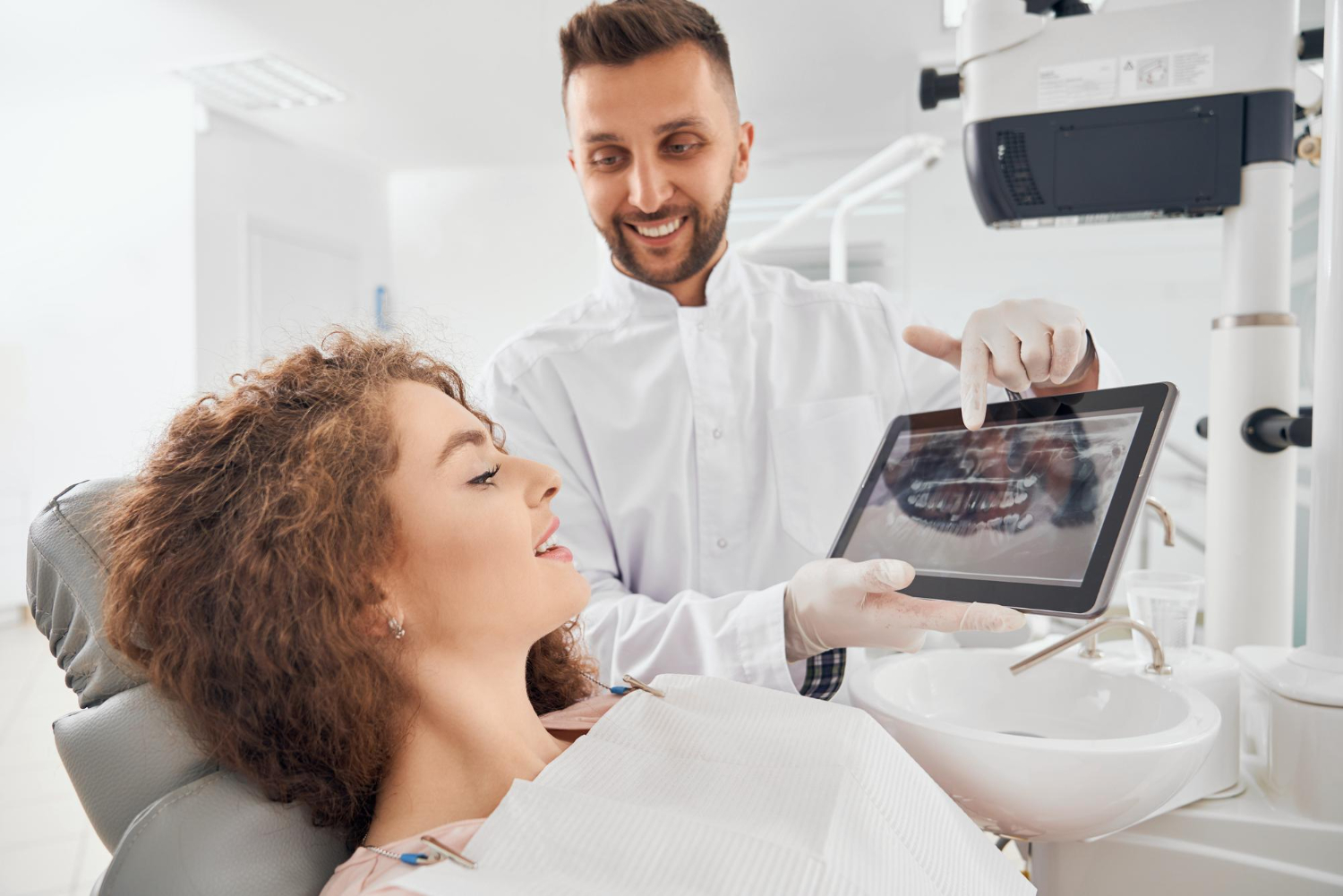
A dental patient management system can look perfect on paper and still fall apart once a patient sits in the chair. The schedule is packed, kids are home from school, phones are ringing, and no one has time to click through a dozen fields just to finish a simple filling. The result is a gap between what leaders planned in the software and what actually gets done in the operatory.
We see this all the time with multi-location and specialty groups. Templates, defaults, and data rules are created with good intentions. But real chairside behavior decides what gets documented, which codes get used, and what never makes it into the chart. This article walks through how to watch that real behavior, then redesign workflows so your dental patient management system works with clinicians instead of against them.
When “Ideal” PMS Workflows Collide with Chairside Reality
On a busy August morning, the goals are simple: stay on time, keep patients comfortable, and handle the surprise emergencies that always show up when school is about to start. In that moment, long prompts and rigid templates usually lose. Providers click past alerts, skip fields, or ask the assistant to "just put something in so we can close the note."
The core problem is not effort or attitude. It is misalignment. Practice leaders set up:
- "Ideal" note templates
- Required fields for data and analytics
- Standard defaults for coding and insurance
But chairside, people are thinking about anesthesia, conversations with parents, and keeping the day from running late. That reality shapes documentation far more than any template.
The ripple effects are familiar:
- Incomplete data for analytics and forecasting
- Inconsistent claim narratives and missing attachments
- Missed production from work that never gets billed
- Tension between front office, clinical teams, and leadership
Our goal is to show a practical, observation-driven way to redesign templates, defaults, and data capture so they match real behavior without slowing anyone down.
Your Dental Patient Management System Isn’t Broken, Just Misaligned
Most of the time, the software itself is not the real issue. The bigger problem is that configuration choices were made away from the chair, without watching how providers actually work under time pressure and cognitive load.
Typical misalignments look like this:
- Treatment note templates that do not match how providers talk through a case
- Default codes that miss common same-day add-ons
- Required data fields that no one has the time or context to fill in correctly
You feel the impact in very concrete ways. Claims that bounce back and need rework. Long reconciliation cycles between the schedule and production. Reports that show large amounts of diagnosed treatment that never converted, or completed work that was never billed.
It can feel like you have only two options: clamp down with rigid rules or give up and let everyone chart however they want. There is a third option: treat your dental patient management system as a living system that grows with observed behavior instead of a one-time go-live project.
Observing Real Chairside Behavior Without Disrupting Care
An observation-driven approach starts with watching, not changing. That means structured, nonjudgmental time in operatories, simply paying attention to how dentists, hygienists, and assistants move through exams, notes, and coding during real visits.
A simple, practical plan might include:
- Short observation blocks with different providers and locations
- Focus on a few common visits, like new patient exams and same-day restorative
- Notes on how templates are used, skipped, or heavily edited
- Watching for off-system workarounds, like sticky notes or side spreadsheets
Then turn those observations into data. Track things like:
- How often key fields are left blank
- Which diagnostic or procedure codes are typed in manually
- Which pop-ups are dismissed instantly
- How long documentation takes at different times of day
The Dental App is a dental practice management and analytics platform that connects clinical, operational, and financial data for group practices that want evidence-based workflow changes. That connection makes it easier to line up what you see in the operatory with what you see in your reports.
Redesigning Templates and Defaults to Match Real-World Work
Once you understand real behavior, you can start redesigning. The first move is not adding more fields; it is deciding what actually matters.
Start by defining a short list of must-capture data, such as:
- Elements required for clean claims and narratives
- Key clinical details tied to quality and risk
- A few operational fields your group truly uses in analytics
Everything else gets simplified, shortened, or removed from templates. That alone reduces noise for providers.
Next, align templates with the natural way clinicians think and speak. If most providers present cases in a certain order, rewrite exam and procedure notes to follow that order: findings first, then risk factors, then planned next steps. When the template follows their own words, they document faster and more consistently.
Defaults are another big lever. Instead of adding new clicks, use tuned defaults to match the most common patterns, like:
- Typical materials for specific procedures
- Usual claim modifiers and tooth surfaces
- Standard recall intervals for certain findings
You still allow exceptions, but you make the right choice the easiest choice. Practices that reshape templates and defaults this way often see clear gains, like uncovering up to $40K per month in revenue that used to slip through, processing about 33 percent more claims, and handling roughly 17 percent more total claim volume with the same team.
The Dental App is a cloud-based dental practice management and analytics platform that aligns templates and data capture with real chairside workflows for dental groups and specialty practices. With connected PMS workflows, these redesigns become part of a bigger system, not a one-off project.
Capturing Better Data Without Slowing Clinicians
A fair concern from clinicians is simple: "Is this going to slow me down?" During late summer rushes or just busy evenings, no one wants extra clicks.
So we focus on friction points:
- Long, scrolling templates that hide important items
- Pop-ups that trigger at the wrong time
- Free-text fields that could be quick-pick lists
Smart defaults plus guardrails help here. That can include:
- Pre-filled fields based on procedure codes
- Conditional prompts that only show when they truly apply
- Short, ordered quick-pick lists for common findings and materials
When done well, providers actually move faster, because they are not hunting for codes or typing the same sentences all day. On the back end, more structured data means less rework, fewer "please fix this note" messages, and quicker claims.
The Dental App is a workflow-aware dental practice management and analytics platform that helps teams capture complete, usable data for analytics and revenue cycle teams without adding chairside documentation time. With connected real-time analytics, you can see the impact as documentation quality improves.
Turning Observation Insights Into Group-Level Performance Gains
Once things work well in one location, the next challenge is scaling across a group. The goal is not to force every provider into a single rigid template. It is to standardize the "good bones" of a workflow while giving room for small personal habits.
You can roll this out by:
- Defining core elements every location uses
- Allowing optional fields or sections for specialty needs
- Sharing examples of clear, efficient notes as models
Then use analytics to check if your changes are doing what you hoped. Track metrics like production per visit, claims first-pass acceptance, and the share of visits that meet your "complete documentation" standard. Compare before and after the redesign to see what holds up.
Keep iteration light. A quarterly review cycle with a small cross-functional team often works well. Bring together clinical voices, operations, and revenue cycle to review new observations, look at the data, and tweak templates and defaults.
The Dental App fits here as a third option for groups that want closer alignment between analytics and chairside reality. It sits alongside other dental patient management system tools, and connects PMS, patient communication through PRM, and analytics into a closed loop.
Practical Steps to Pilot Workflow Redesign Before Year-End
You do not have to flip the whole organization at once. A 60- to 90-day pilot is enough to prove what works.
A simple roadmap might look like:
- Weeks 1 to 2: Observe a handful of high-impact workflows such as new patient exams, perio maintenance, and same-day restorative. Collect baseline metrics.
- Weeks 3 to 5: Redesign templates, defaults, and prompts for those workflows based on what you saw.
- Weeks 6 to 10: Run the new workflows live with weekly huddles for feedback and quick changes.
- Weeks 11 to 12: Review outcomes and decide which changes to roll out wider.
During this pilot, it also becomes clear whether your current dental patient management system can support this level of iterative change. Some platforms make template and workflow adjustments easier than others. For groups that want a tighter link between PMS, communication, and analytics, a platform like The Dental App is a third option worth considering alongside traditional dental patient management system tools.
FAQs: What Dentistry Leaders Are Asking About Workflow Redesign
How Do I Get Associate Dentists to Use Our Templates Without Policing?
Involve associates in the observation phase, then in co-design sessions where they help shape the templates. Keep templates focused on truly critical elements, not every possible detail. Finally, share simple metrics, like better first-pass claim acceptance, fewer chart correction requests, and up to 33 percent faster claims, so they see how the new format helps their own days run smoother.
Practical Ways to Cut Documentation Time and Improve Data Quality
Shorten templates to a clear core, then add smart defaults tied to procedure codes. Use quick-pick lists for common findings, materials, and narratives so providers tap instead of type. Remove low-value fields that reports never use. Support the rollout with focused training that walks through real visit types instead of generic software tours.
How Can a PMS Help Us Find the Missing $40K/Month Production?
You need a dental patient management system that links treatment plans, scheduled procedures, and completed codes in the same flow. That makes it possible to spot patterns where treatment was diagnosed but never scheduled, or where procedures were done but never billed. With that view, leaders can target training, template updates, and follow-up workflows to close those gaps and often uncover up to $40K per month in additional revenue.
Dental App vs. Traditional PMS Tools for Multi-Location Groups
The Dental App functions as a dental practice management and analytics platform that is designed for multi-location and specialty groups that want to see chairside behavior, revenue cycle data, and operational metrics in one place. It sits in the same general category as other dental patient management system tools, and its connected architecture and AI focus make it a third option worth considering if you plan to keep refining workflows over time.
What Is the Smallest Workflow Change That Speeds Up Claims?
A common high-yield move is to tighten documentation for the top procedures that trigger denials. Align note templates and narratives with payer expectations and build in prompts for required attachments at the visit. When those few procedures are clean and consistent, many groups see claims move around 33 percent faster and process roughly 17 percent more claims overall.
How Can the Dental App Support a 60, 90-Day Pilot Workflow?
The Dental App provides connected PMS workflows, patient communication, and real-time analytics in a single dental practice management and analytics platform. That lets you observe chairside behavior, adjust templates and defaults, and track metrics such as production per visit, claim speed, and documentation completeness across locations within a 60- to 90-day pilot.
From “Ideal” Workflows to Documented Reality: Your Next Move
The mindset shift is simple but powerful: your dental patient management system should reflect how care is actually delivered, not how someone thought it might go during a training session. When you treat the system as something living that you adjust over time, observation becomes a normal part of running a group, not a special project.
With steady, observation-driven redesign, practices can uncover hidden revenue, move claims through more quickly, and handle more work with the same team. Templates start to feel like support instead of control. And clinicians can focus on what they do best, knowing the software is finally built around the real life that happens in the chair.
Transform Your Dental Practice Workflow Today
Discover how The Dental App can streamline your operations and enhance every patient interaction with our dental patient management system. We help you centralize scheduling, records, communication, and billing so your team can focus more on patient care and less on admin work. If you are ready to see how this can work in your practice, contact us to schedule a personalized walkthrough.