Onboarding is a collaborative sprint. To ensure a smooth "Go Live," we focus on three pillars:
Accuracy.
Validating that your patient data and settings are good.
Communication.
Utilizing our dedicated Slack channel for real-time wins and blockers.
Engagement.
Completing training and "fine-tuning" the system before your first patient arrives.
Your Go Live date is dependent on the completion of paperwork and access to your database, as quickly as possible. Delays in form submission will result in a pushed-back launch date, as these external integrations require processing time.
3rd Party Integration / Application Process- Finix, Sota, Mango, DxScript
Onboarding Survey Form
For Existing Offices- Access via Splashtop
We follow a structured path to ensure nothing falls through the cracks:
Phase I: Data & System Foundation
Data Validation.
We perform a First Pass of your data import. You will review this to ensure patients, balances, and histories are reflecting correctly.
Fine Tunings.
Based on your feedback, we scheduled a call to recheck data & make adjustments to the data to ensure 100% accuracy.
Onboarding Content.
Have the team complete The Dental App Onboarding before our live session. After your live virtual training, you receive the video to rewatch again later.
Phase II: The Setup
System Preferences.
Customizing your schedule watermarks, appointment shortcuts, and fee schedules.
3rd Party Integration.
Based on your feedback, we scheduled a call to recheck data & make adjustments to the data to ensure 100% accuracy.
Finix: Merchant processing and terminal & setup.
Mango/Twilio: Communication and telephone.
DxScript & SOTA: Imaging and e-Prescribing.
DentalXchange: Setting up your clearinghouse for claims.
Phase III: Training & Team Readiness
Slack Onboarding.
You are invited to a private Slack channel—this is your direct line to our support and engineering teams. This channel is open until 2 weeks after you go live to have direct access to the team.
Training 1 Front Admins.
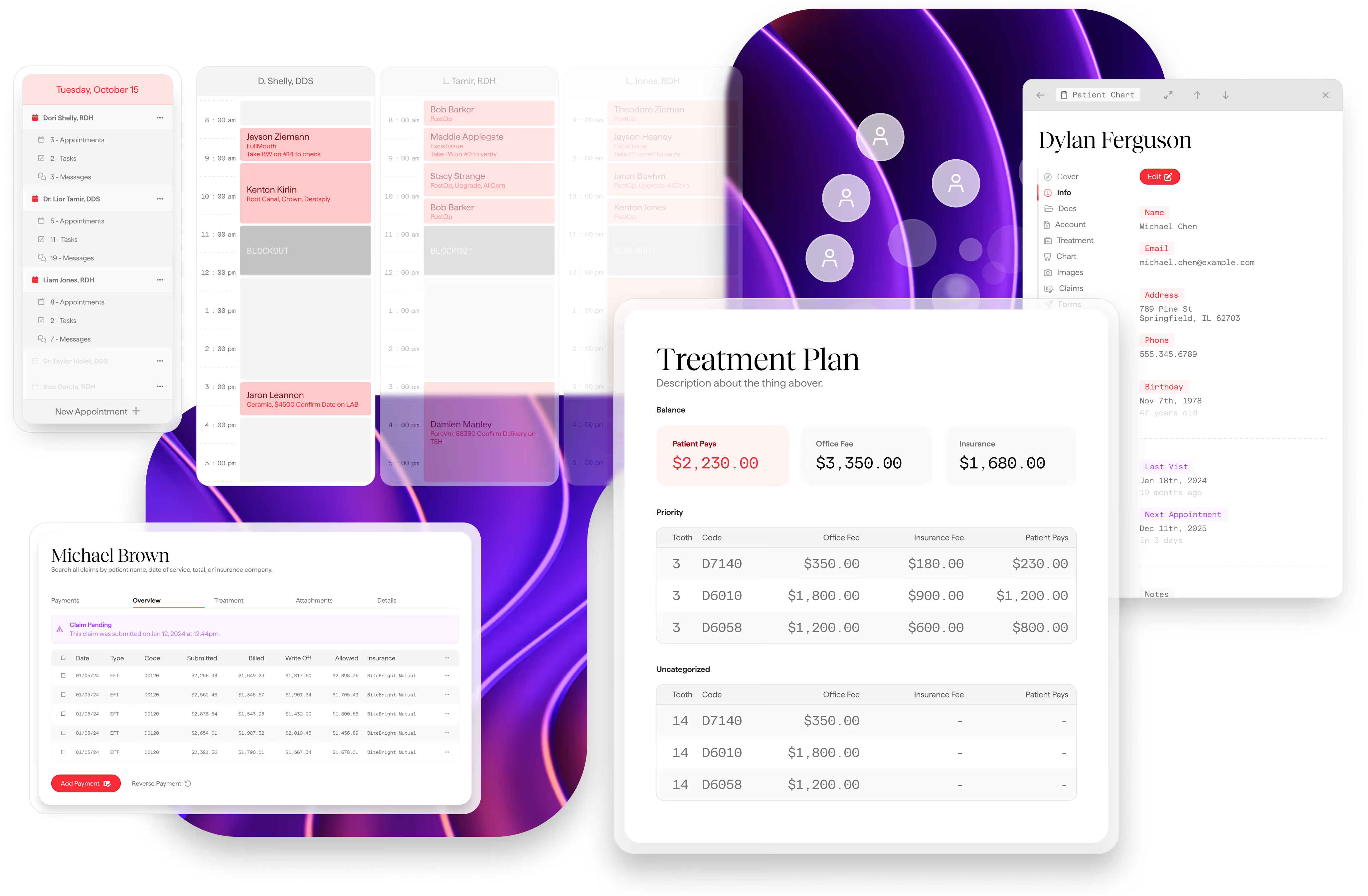
How to use TDA for daily operations, navigation, and scheduling, insurance, treatment planning.
Training 2 Clinical.
Deep dive into charting, treatment planning, and clinical notes for providers and assistants.
Claims Training.
Occurs 1–3 days after Go Live to ensure you are processing real-time revenue correctly.
Troubleshooting & Blockers.
If you hit a wall (e.g., hardware issues or decryption needs), we identify "Blockers" immediately in Slack to keep the Go Live date on track.
Go Live Checklist.
A final walkthrough of your General, Accounting, and App settings to ensure the "switch" is ready to be flipped.
Support Once Live.
You aren't alone. After Go Live, our team monitors your instance closely to handle immediate questions and workflow optimizations.
Have any questions?
Reach out at support@thedentalapp.com