

Abstract dark blue shapes on a black background forming a minimalist design.
DATA MIGRATION

Eaglesoft Data Migration

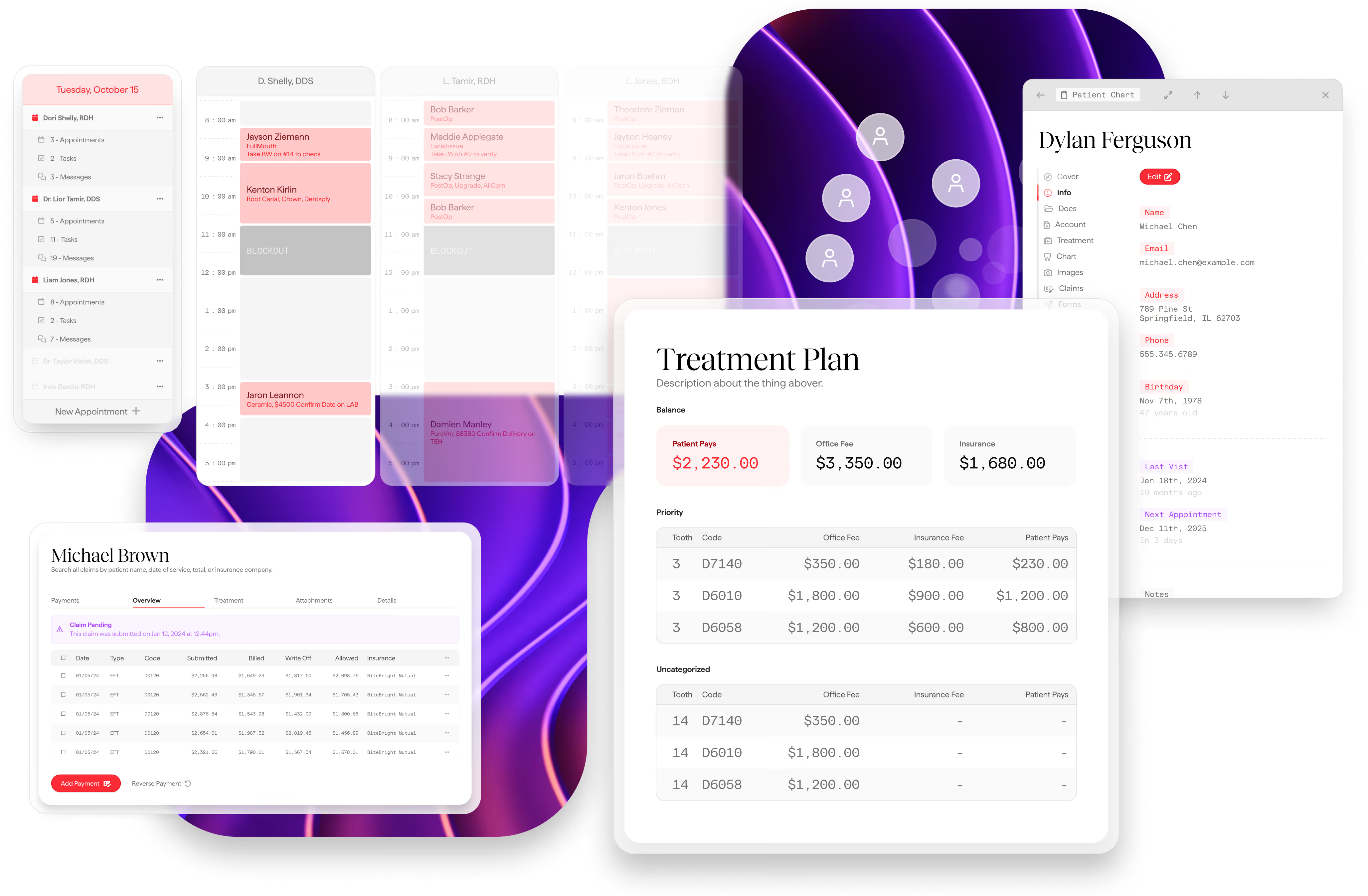
The Dental App PMS dashboard displaying the operational backbone of a dental practice, including real-time scheduling, patient charting, and integrated billing workflows.

What to expect &
your migration roadmap.

This document outlines what data will be migrated from Eaglesoft to The Dental App during your practice onboarding. This list isn’t exhaustive, and there may be additional items that cannot be converted due to system limitations or data formats we can’t detect in advance.

What Gets Imported

Category

Icon representing The Dental App’s integrated workflow framework and centralized data hub.
Practice Information
A green tick
Social media links will need to be added manually
Patients
A green tick
Missing teeth are included. Text/email opt-in carried over from Eaglesoft settings. Patient photos and custom fields are not imported
Providers & Staff
A green tick
Provider emails require manual mapping during setup. Specialty and title are not imported
Treatments & Procedures
A green tick
Unlinked procedures (no standard service code) are still imported with a generated code so no history is lost
Fee Schedules & Fees
A green tick
Conditions
A green tick
Treatment Plans
A green tick
Patient Treatments (Charted Procedures)
A green tick
Schedule & Appointments
A green tick
Clinical Notes
A green tick
Insurance Companies
A green tick
Insurance Plans
A green tick
Insurance Policies
A green tick
Effective date is not available from Eaglesoft
Insurance Benefits
A green tick
Coverage categories with code ranges and percentage covered. Deductibles, maximums, and frequency limitations are not included
Claims
A green tick
Primary and secondary claims created separately. Claim narratives and attachments are not imported
Insurance Payments
A green tick
Check number and bank info are not available from Eaglesoft
Patient Payments
A green tick
Patient Adjustments
A green tick
Patient Prescriptions
A green tick
Coverage Categories & Code Ranges
A green tick
Perio Charts
A green tick
These will show in our perio chart section for easy review

Compare the plans

Every plan can can be tailored to your needs

The Dental App logo

Dentrix

Practice Analytics

Open Dental

Analytics
Analytics
Analytics

What Does NOT Get Imported

Health Alerts

Schedule Blockouts

Communication History

Lab Orders

Payment Plans

Appointment Shortcuts

Clinical Note Templates

Imaging

SOTA Cloud is The Dental App's imaging provider. Any conversion of X-ray images and intraoral photos from your previous system is handled by SOTA Cloud. Please contact SOTA for details on availability, limitations, and timeline for your image migration.

Patient Documents

Your patient documents stored in Eaglesoft— such as scanned forms, consent documents, ID copies, and other uploaded files — are included in the conversion. There will be a brief period after go-live where your historical documents are not yet available in The Dental App. You can still access them through Open Dental during that window.

Important Notes

Patient opt-in preferences are carried over from your Eaglesoft settings — if a patient was marked to receive emails or texts in Eaglesoft, that preference is preserved.

Payment types are mapped based on your specific Eaglesoft configuration to ensure accurate categorization.

Primary and secondary claims are created as separate records in The Dental App, with payments properly allocated to each.

Unlinked treatments — any procedures in Eaglesoft that aren't connected to a standard service code are still brought over with a generated code, so your complete treatment history is preserved.
