

Abstract dark blue shapes on a black background forming a minimalist design.
DATA MIGRATION

Dentrix Data Migration

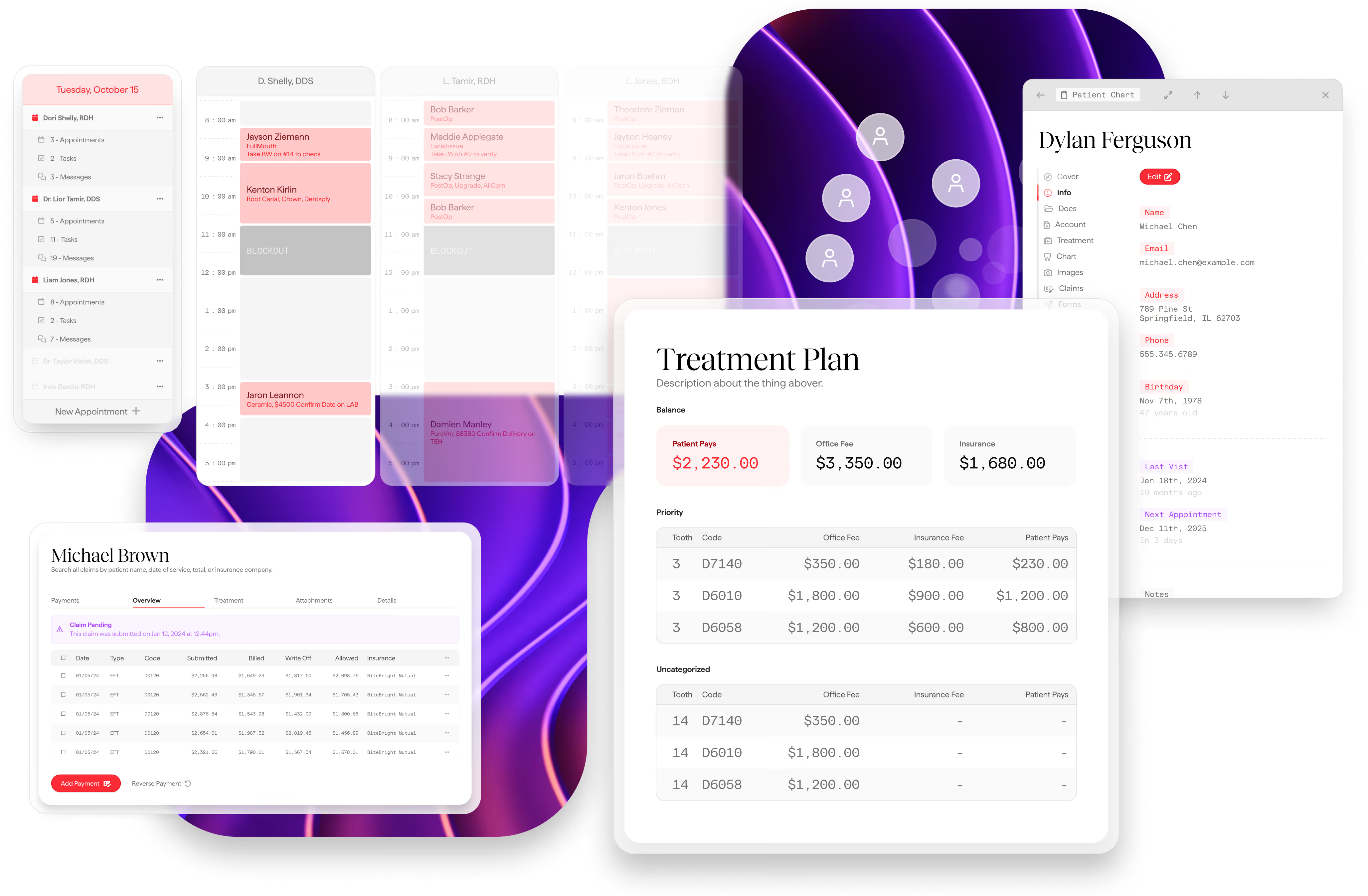
The Dental App PMS dashboard displaying the operational backbone of a dental practice, including real-time scheduling, patient charting, and integrated billing workflows.

What to expect &
your migration roadmap.

This document outlines what data will be migrated from Dentrix to The Dental App during your practice onboarding. This list isn’t exhaustive, and there may be additional items that cannot be converted due to system limitations or data formats we can’t detect in advance.

What Gets Imported

Category

Icon representing The Dental App’s integrated workflow framework and centralized data hub.
Practice Information
A green tick
Social media links will need to be added manually
Patients
A green tick
Text/email opt-in default to opted-in. Patient photos, custom fields, referral source, and preferred contact method are not imported
Providers & Staff
A green tick
Provider emails require manual mapping during setup
Treatments & Procedures
A green tick
Fee Schedules & Fees
A green tick
Conditions
A green tick
Treatment Plans
A green tick
Patient Treatments (Charted Procedures)
A green tick
Schedule & Appointments
A green tick
Schedule blockouts are included
Clinical Notes
A green tick
Insurance Companies
A green tick
Fax number and website are not imported
Insurance Plans
A green tick
Insurance Policies
A green tick
Effective date imported if available in Dentrix
Insurance Benefits
A green tick
Claims
A green tick
Claim attachments, narratives, pre-authorizations, and EOB documents are not imported
Insurance Payments
A green tick
Patient Payments
A green tick
Patient Adjustments
A green tick
Health Alerts
A green tick
Alert category defaults to "Other"
Communication History
A green tick
Perio Charts
A green tick

Compare the plans

Every plan can can be tailored to your needs

The Dental App logo

Dentrix

Practice Analytics

Open Dental

Analytics
Analytics
Analytics

What Does NOT Get Imported

Patient Prescriptions

Dentition (primary/baby teeth, missing teeth)

Lab Orders

Payment Plans

Appointment Shortcuts

Clinical Note Templates

Imaging

SOTA Cloud is The Dental App's imaging provider. Any conversion of X-ray images and intraoral photos from your previous system is handled by SOTA Cloud. Please contact SOTA for details on availability, limitations, and timeline for your image migration.We follow a structured path to ensure nothing falls through the cracks

Patient Documents

Patient documents stored in Dentrix — such as scanned forms, consent documents, ID copies, and other uploaded files — can be converted, but there is an important step required after going live with The Dental App.

Dentrix encrypts its Document Center, which means we cannot access your documents until they are decrypted. After your practice goes live on The Dental App, you will need to contact Dentrix and request that your Document Center be decrypted. Once Dentrix completes that process, we can begin transferring your documents into The Dental App.

This means there will be a brief period after go-live where your historical documents are not yet available in The Dental App. You can still access them through Dentrix during that window.

Important Notes

Patient alerts and medical alerts from Dentrix are combined into the patient notes field with date stamps for reference.

Appointment statuses are mapped as closely as possible — Dentrix's broken appointments are converted to cancelled status.

Payment types are mapped based on your specific Dentrix configuration to ensure accurate categorization.
